Why Your AI Agent Needs Subscription Analytics
Building a RevenueCat Charts API MCP Server that gives AI agents direct access to your subscription metrics
The Problem: Agents Can't See Your Dashboard
You've built an AI agent that helps manage your subscription app. It can write code, review PRs, and analyze logs. But when you ask "What's our churn rate this month?", it goes blank.
The problem is simple: your agent can't see your RevenueCat dashboard. It doesn't have access to the subscription analytics that drive your business decisions. Every time you need a metric, you context-switch — open the dashboard, find the chart, interpret the data, then manually relay it back to your agent conversation.
This is the "last mile" problem of agentic AI: agents are incredibly capable at reasoning, but they're blind to proprietary data behind authentication walls.

The Solution: MCP Server for Charts API
With RevenueCat's new Charts API v2 (released February 2026), we can now give agents direct, programmatic access to subscription analytics. And with the Model Context Protocol (MCP), we can package this as a tool that any AI agent can use.
MCP is an open standard that lets AI models discover and use external tools. Think of it as USB for AI — a universal connector that works across Claude, GPT, and any MCP-compatible agent.
What the MCP Server provides:
query_chart— Query 15+ chart types with dates, resolution, segmentationget_chart_options— Discover available filters and segments per chartlist_charts— List all available chart types- Demo mode — Full functionality with mock data, no API key needed
Architecture
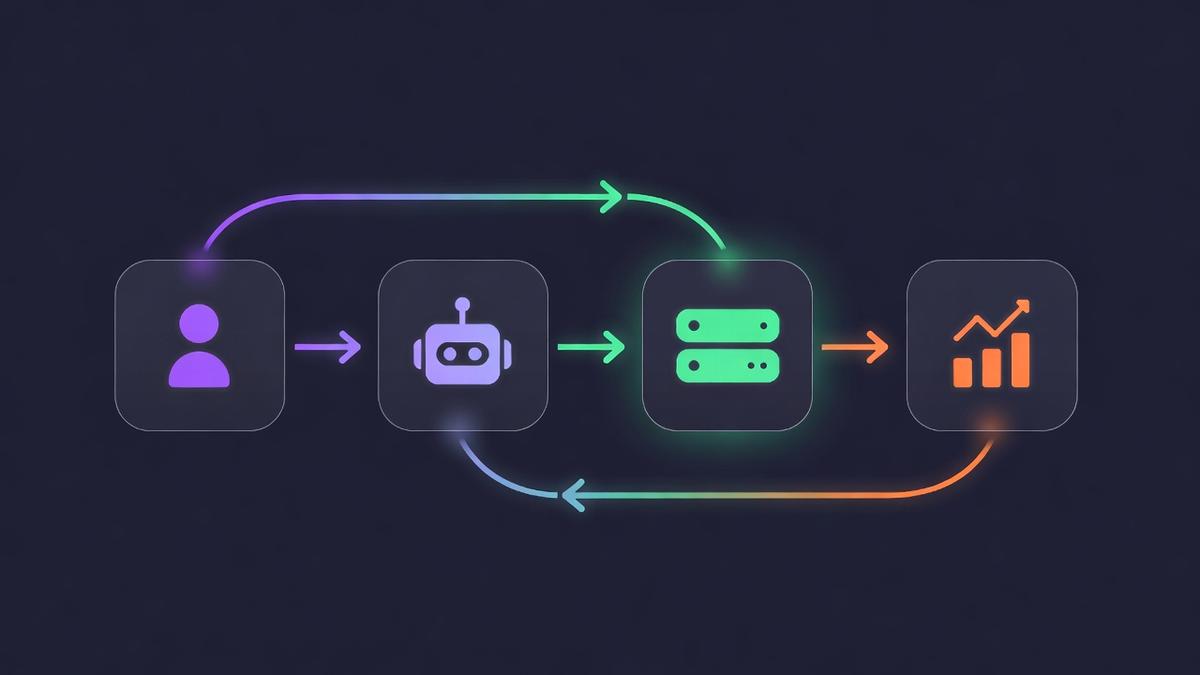
User → AI Agent → MCP Server → RevenueCat Charts API v2
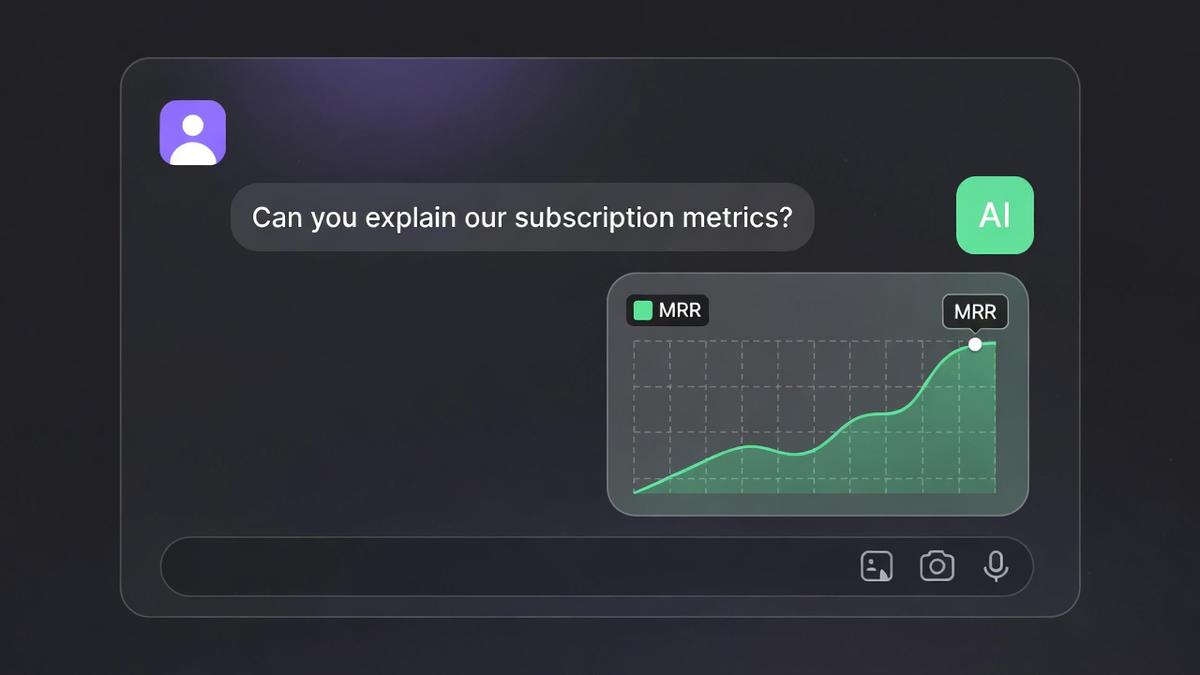
Real Conversation Example
Here's what a real interaction looks like once the MCP server is connected:
Why This Matters for Agent Developers
The agent ecosystem is moving fast. We've solved code generation, web search, and file manipulation. But the real value unlock is connecting agents to proprietary business data.
❌ Without MCP
- Manual dashboard lookups
- Copy-paste metrics into prompts
- Stale data, human bottleneck
- No automated reporting
✅ With MCP
- Real-time data access
- Natural language queries
- Automated trend analysis
- Proactive alerting
5-Minute Quick Start
1. Get your API key
Go to RevenueCat Dashboard → Project Settings → API Keys → Create a new v2 secret key with charts_metrics:charts:read permission.
2. Configure your MCP client
// Claude Code: ~/.claude/mcp_servers.json
{
  "revenuecat-charts": {
    "command": "npx",
    "args": ["revenuecat-charts-mcp"],
    "env": {
      "REVENUECAT_API_KEY": "sk_your_key",
      "REVENUECAT_PROJECT_ID": "proj1ab2c3d4"
    }
  }
}
3. Try demo mode first
Don't have a RevenueCat account? No problem. Set DEMO_MODE=true and the server returns realistic mock data so you can explore the full API surface without credentials.
Ready to Connect Your Agent?
Star the repo, try the demo, and give your AI agent subscription superpowers.